Home network
Start with one compatible router and a clear way to manage your devices. Expand when you need to.

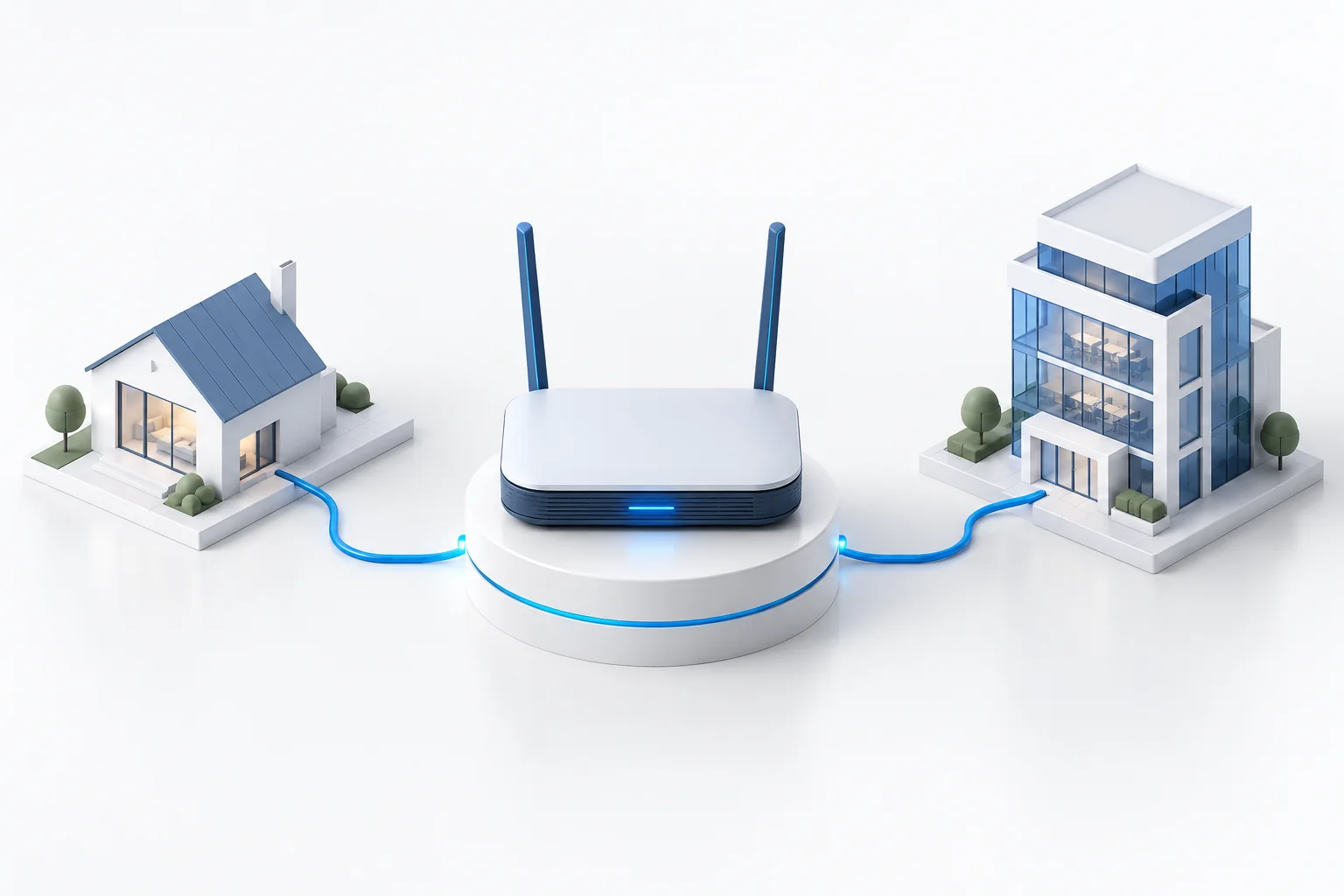
Your network starts with a router. ARCnet Gateway is being developed to make a compatible OpenWrt device part of infrastructure that you control. A single router will be able to operate on its own; several devices across locations can become part of a shared management system. Your home, small office or workshop keeps its own network, while you gain a common way to connect and look after the equipment.
Planned · This page describes the intended model. A public release has not been announced; available features and supported devices will be clarified as development progresses.
You do not have to build a private cloud before getting started with ARCnet. A standalone router provides a starting point, with the local network and its settings close at hand. As you add locations, the infrastructure can grow while keeping a clear relationship between devices, their owner and the rules for access.
A private cloud becomes useful when maintaining several devices separately gets inconvenient. You will be able to host it on your own equipment or a rented server. Federation remains a separate choice for sharing resources with other participants, rather than a requirement for running your own network.
ARCnet Connect will provide access to your router and network from a phone. The ARCnet Identity certificate service will handle device identities and access permissions. When technical support is needed, the Supervisor role will provide maintenance for devices associated with that service. These parts have different jobs within the platform.
The router component is based on OpenWrt, an open operating system for network devices. ARCnet requires at least 512 MB of installed RAM. The model, hardware revision and ability to install the components also matter. OpenWrt support alone does not establish ARCnet compatibility, which needs to be checked separately.
Start by checking your equipment and choosing an arrangement: one standalone router or several devices under shared management. Information about tested models and a guide to installation and setup are planned for the public release. The compatible devices and requirements page already provides some initial guidance.
Start with one compatible router and a clear way to manage your devices. Expand when you need to.
Manage two locations belonging to the same owner while retaining control of equipment and access.
A server and several routers under your control. Your organisation decides who maintains the network and who may connect.