At home
Open your router's management tools from your phone while connected to the local network near your equipment.

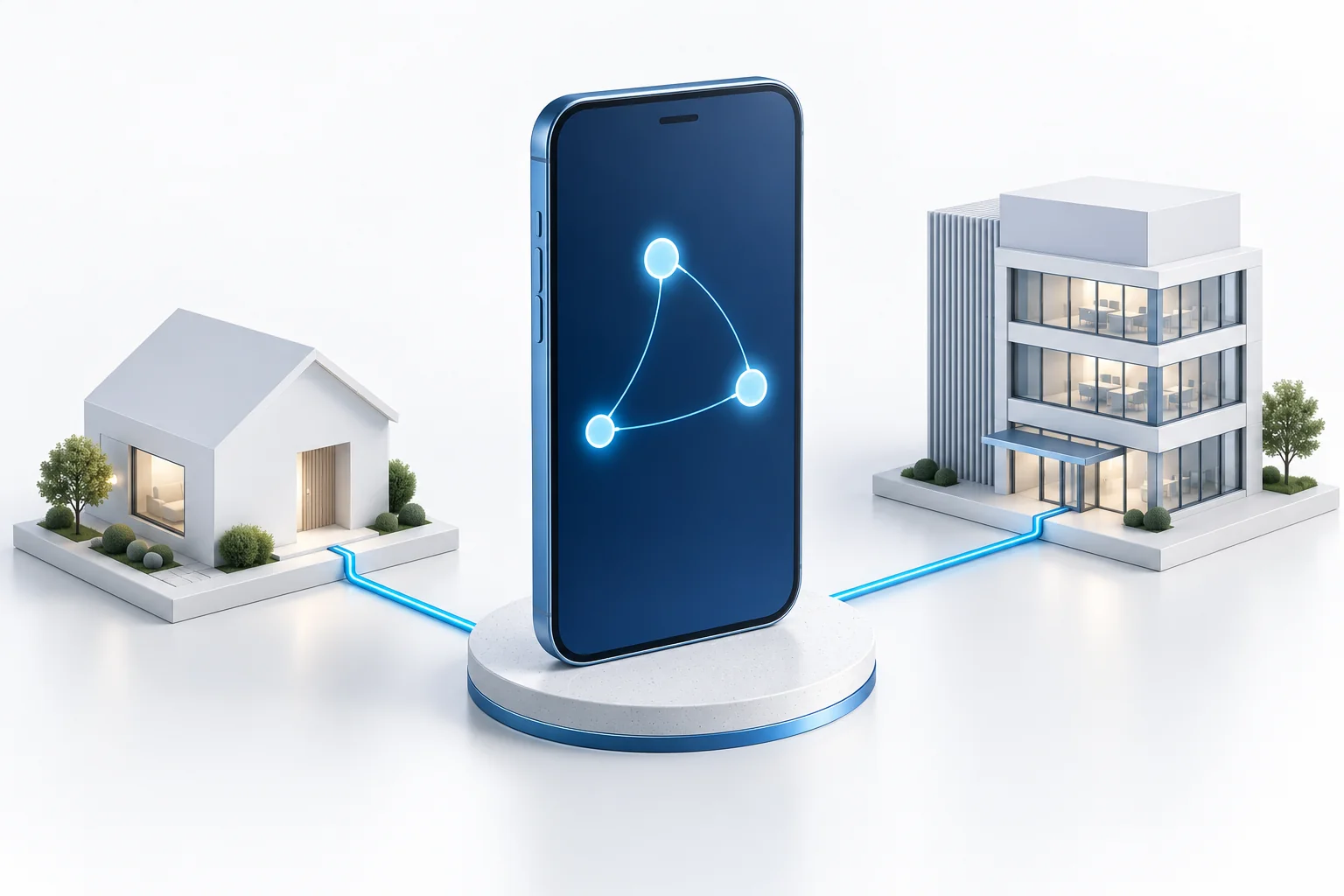
An Android app bringing together two everyday tasks: connecting to your network and managing its devices. ARCnet Connect is being developed for access to your router, home or work network from a phone. It is intended for use both near your equipment and away from it, when an appropriate remote connection has been configured.
Planned · This page describes the intended model. A public release has not been announced; available features and supported devices will be clarified as development progresses.
Reaching your home devices or connecting to work infrastructure should be an understandable action. The app will associate a connection with a particular network and its owner. Access depends on configured connections and granted permissions: installing the app does not open someone else's devices or resources.
Connecting to a network and maintaining it are different tasks, but they need not require unrelated tools. Connect is intended as a common ARCnet interface: choose your infrastructure, open a device and reach the actions available to you. Functions will depend on the device type, its support and your permissions.
An owner connects to their own infrastructure. A Supervisor sets up and maintains devices associated with one certificate server. In a private network the same person may handle both responsibilities, but the app should make clear which infrastructure an action concerns and which permissions are being used.
The intended model includes adding your infrastructure directly and finding a certificate server through ARCnet Directory. The directory helps with discovery; it does not replace establishing trust. Participation is optional, and a known server address will be usable without searching a shared listing.
First decide which infrastructure you want to reach: one router or your private network of several devices. A guide to adding infrastructure, confirming access and making the first connection is planned for the public release. It will also clarify phone requirements and supported connection methods.
Open your router's management tools from your phone while connected to the local network near your equipment.
Reach your home or work network using a remote connection configured in advance.
Open the technical support actions available to you within the infrastructure for which you are responsible.