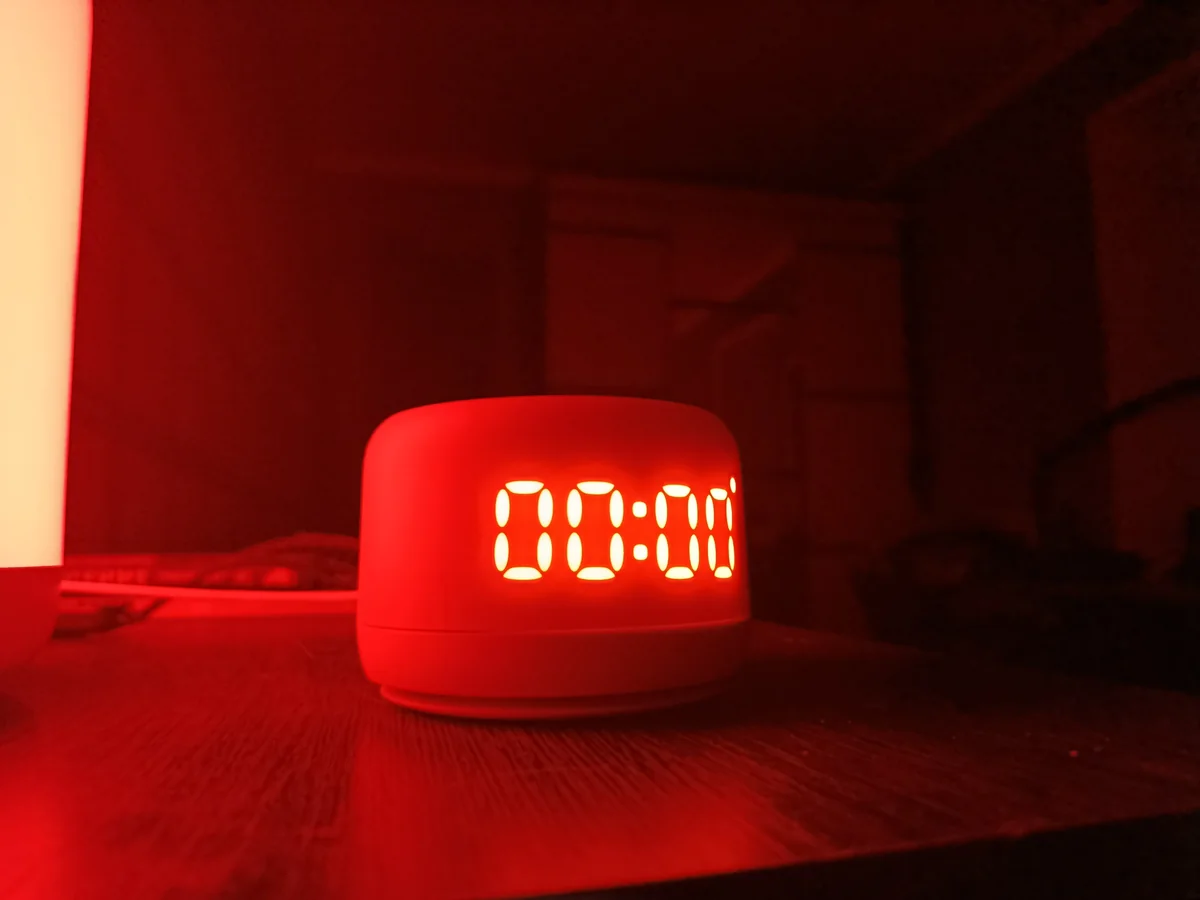
Yandex Station with Alice
A voice assistant and home speaker. For ARCnet, we are considering clear connectivity and interaction through available official integrations.

The kitchen speaker, living-room lights, robot vacuum and server holding family photos already share your network. ARCnet plans to make those connections clearer: which devices are available, who can connect and where to look when something stops working.
More value from familiar devices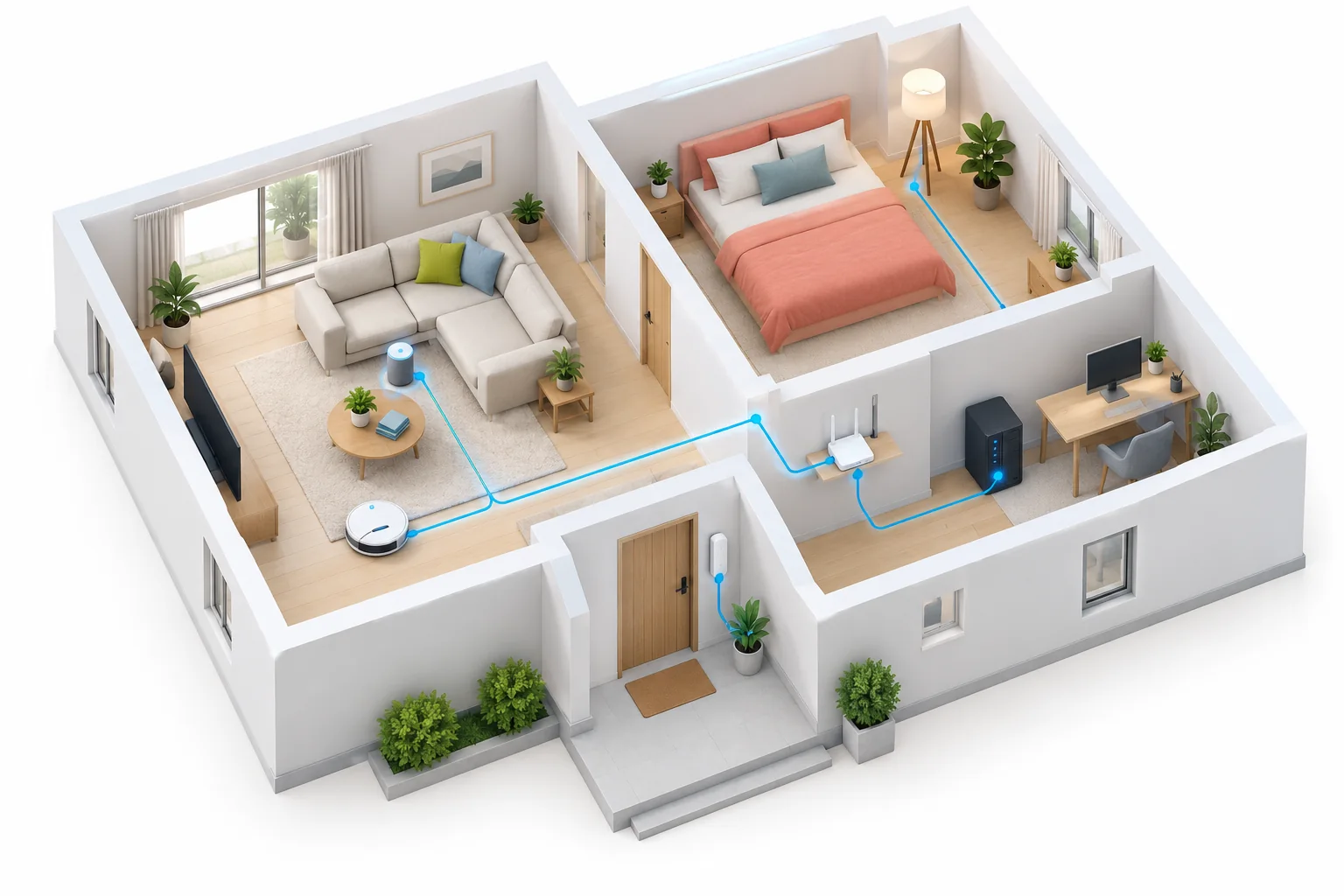
Category examples for future scenarios. Compatibility of specific models with ARCnet still needs to be tested.
A voice assistant and home speaker. For ARCnet, we are considering clear connectivity and interaction through available official integrations.
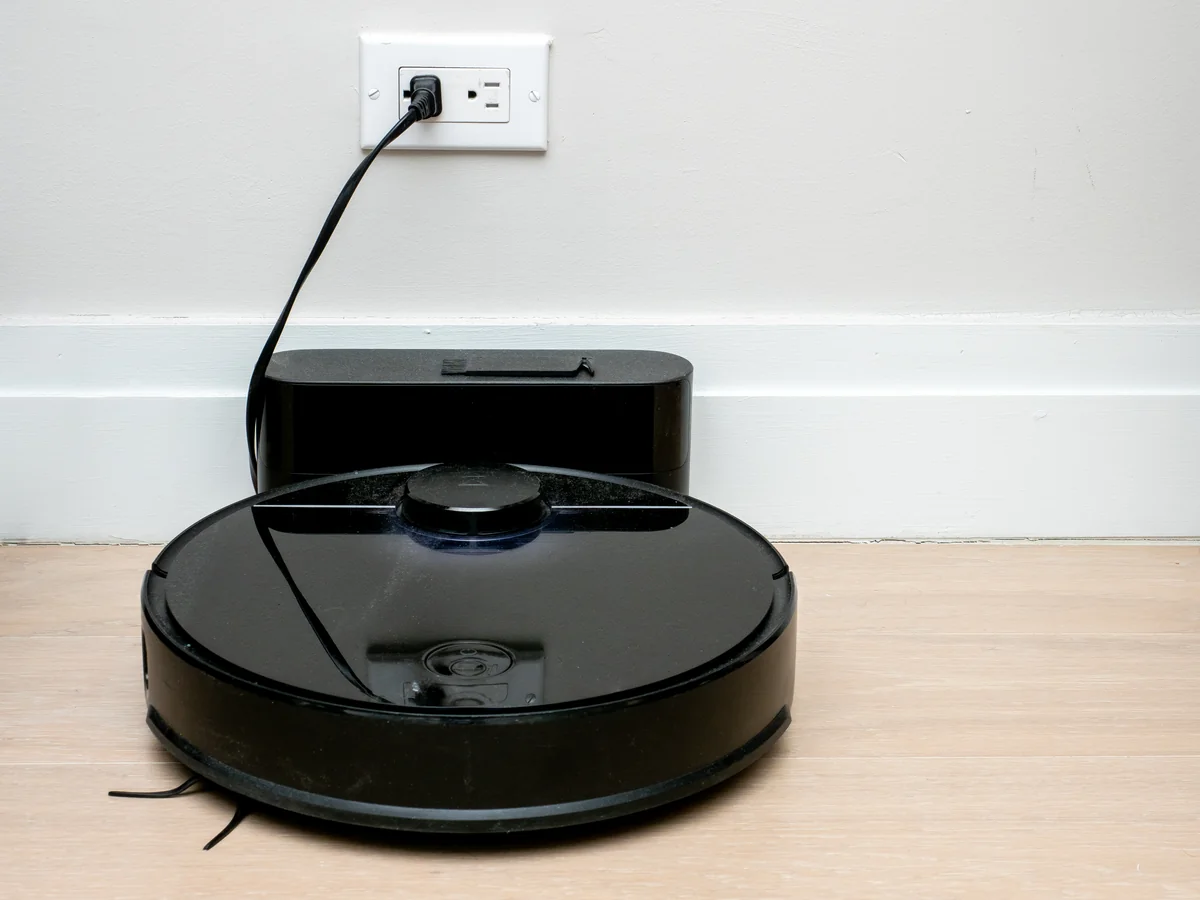
An example of a connected appliance. Available status and commands depend on the specific model and its manufacturer’s official interface.
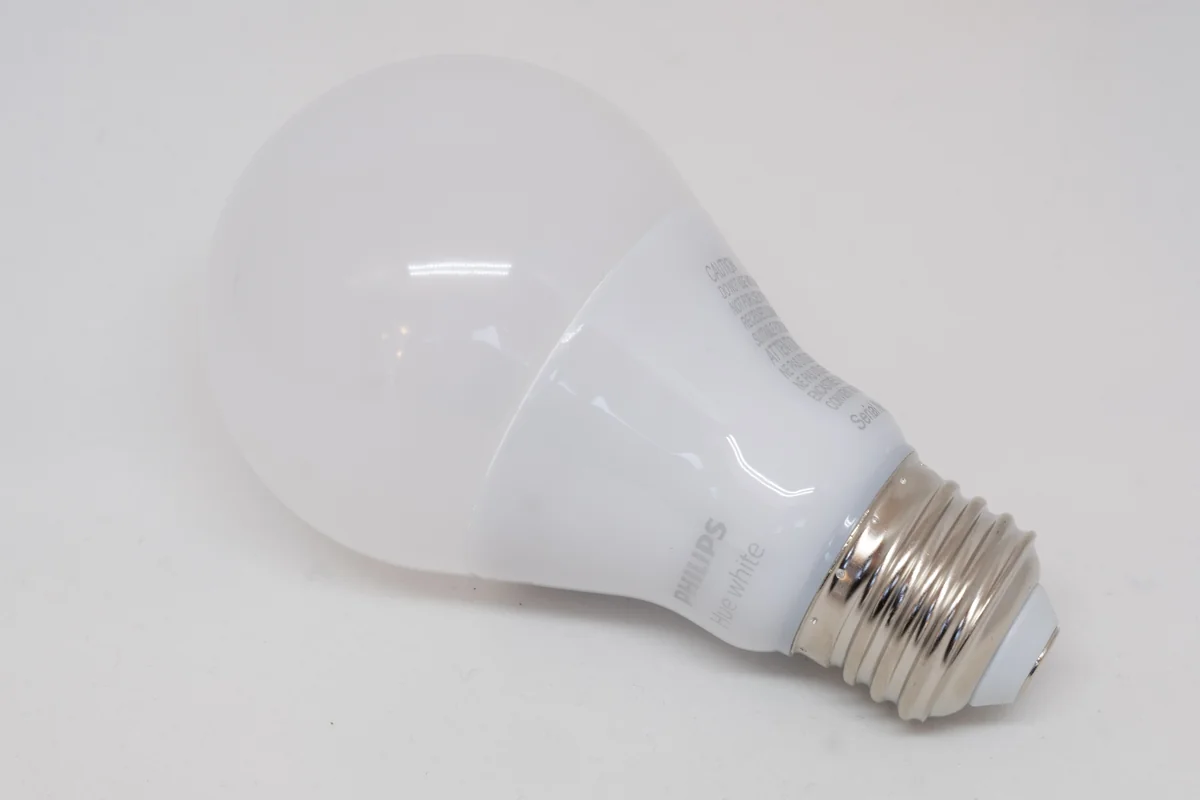
An example of home lighting. Lights and a bridge show why the entire connection path matters.
Photographs have been resized and converted to WebP without content changes. Image rights remain with their authors; product names belong to their respective owners.
Yandex Station with Alice, HomePod and other speakers can be part of your home network. We plan to help with connectivity and access; voice commands will stay within the manufacturer’s supported ecosystem.
Lights, thermostats and controllers make rooms more comfortable. Their bridges and apps need to find each other reliably, while future integrations could bring supported functions together.
A robot vacuum, washing machine and other connected appliances use the network in different ways. We plan to show availability and, where an official interface exists, useful operating status.
A leak sensor, entrance camera and home controller should be accessible to people you trust. We plan to help organise their network and connect supported notifications.
Family archives, media libraries and personal apps can run at home. ARCnet plans to simplify access to those resources from your own devices, including from another location you manage.
A computer used with a hardware wallet, a home lab or mining equipment needs carefully arranged access. We plan separate network rules and connection monitoring for these devices.
A speaker stops responding. One view shows whether it has left the network or an external service is unavailable.
Check the connection to a camera and controller at another location through your own network access.
Guests use the internet while family storage and management panels keep separate access rules.
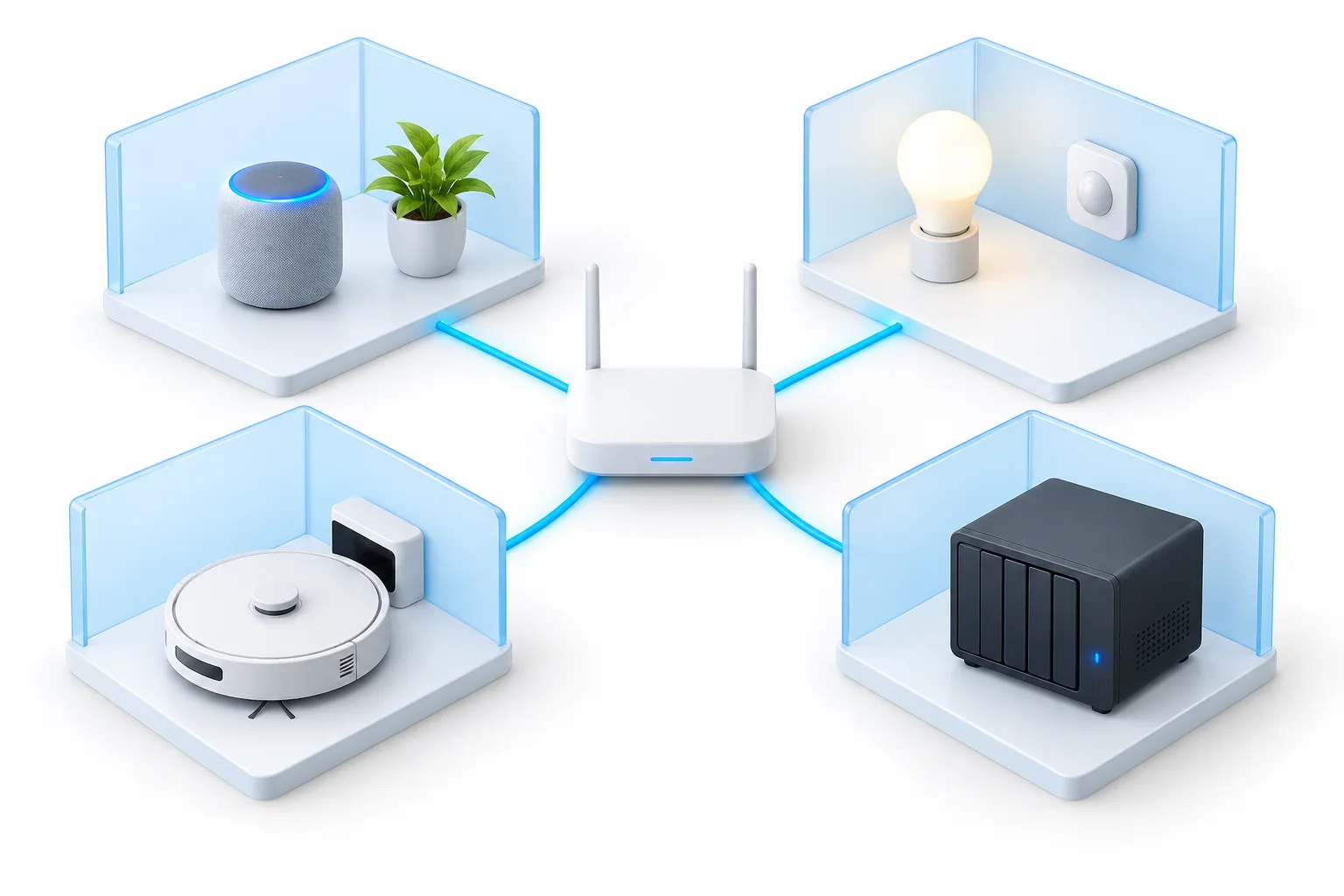
Identify network devices and arrange their access. Being connected to Wi-Fi does not mean an appliance’s functions can be controlled.
Show availability and network activity. Temperature, charge and cleaning progress require a supported device interface.
Offer actions through official APIs, a suitable bridge or a controller. Matter support alone does not establish ARCnet compatibility.